

Meet Wren
Your planning application agent
Wren drafts planning applications from the documents you already have, inside Planda Portal - and much more.
Free with every account.

Named after Sir Christopher Wren. Built into Planda Portal.
Drag your drawings, plans, statements and supporting documents into Wren and it gets to work. It reads what you have given it, identifies the proposed development and the site, and completes as much of the application form as it can. Then it tells you what is left.
What changes for you

Around 5 minutes
To a first draft, down from around 15.

Free. No tiers.
Included with every Planda Portal account.

You approve everything.
Nothing is paid, sent or submitted without you.
What Wren does

Drafts from your documents
Reads drawings, location plans, design and access statements, CIL forms and reports, and fills in the answers the documents support.

Finishes the forms with you
Works through the remaining questions one topic at a time, explains what each one means, and saves your answers straight into the application.

Attaches the right documents
Works out what each file is, labels it and attaches it to the application, so you are not uploading the same drawing twice.

Handles council correspondence
Shows council emails awaiting a reply, summarises requests, drafts responses and sends them from your Planda address once approved.
Helps after submission
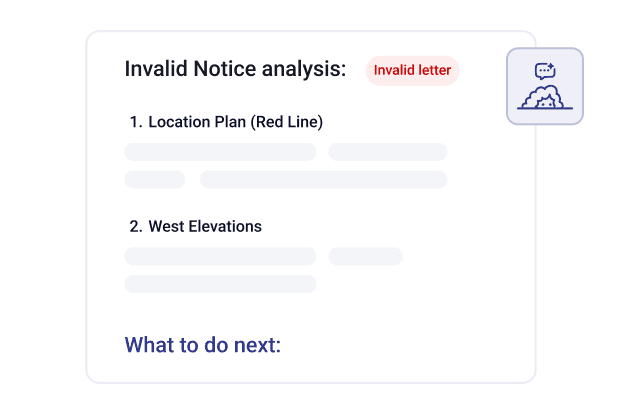
Explains invalid notices and what the council has asked for, saves the changes you agree into an edit round, and shows what changed between versions.

Keeps an eye on the pipeline
Tells you which applications need attention, tags them for you, and shows how the work is split across your team.
How Wren drafts an application for you

Upload
01.
Drag in your drawings, plans and supporting documents. Up to 20 files per conversation.

Wren drafts
02.
It reads the files, summarises the proposal and fills in what the documents support.

You confirm
03.
Correct anything that is wrong, answer what is left, and attach the files to the application.

Review, pay and submit
04.
In the portal, as always. Nothing reaches the council without you.
What Wren leaves to you
Wren prepares. You decide. A few things stay in your hands.
Ask me
anything

Paying the fee and submitting the application.

Ownership certificates and statutory declarations.

Drawing and confirming the site boundary.

Our AI validation runs separately once your application is complete, and checks it against the council’s requirements.

Wren will not tell you an application will be approved. What has been approved nearby is context, not a promise.
Frequently asked questions

Ready to try Wren?
Start an application and Wren is waiting in your account.