Submit your planning application

Submit your planning application

Upload documents, complete forms, and submit directly to your council - all in one place

Upload documents, complete forms, and submit directly to your council - all in one place

Not sure if you need permission?
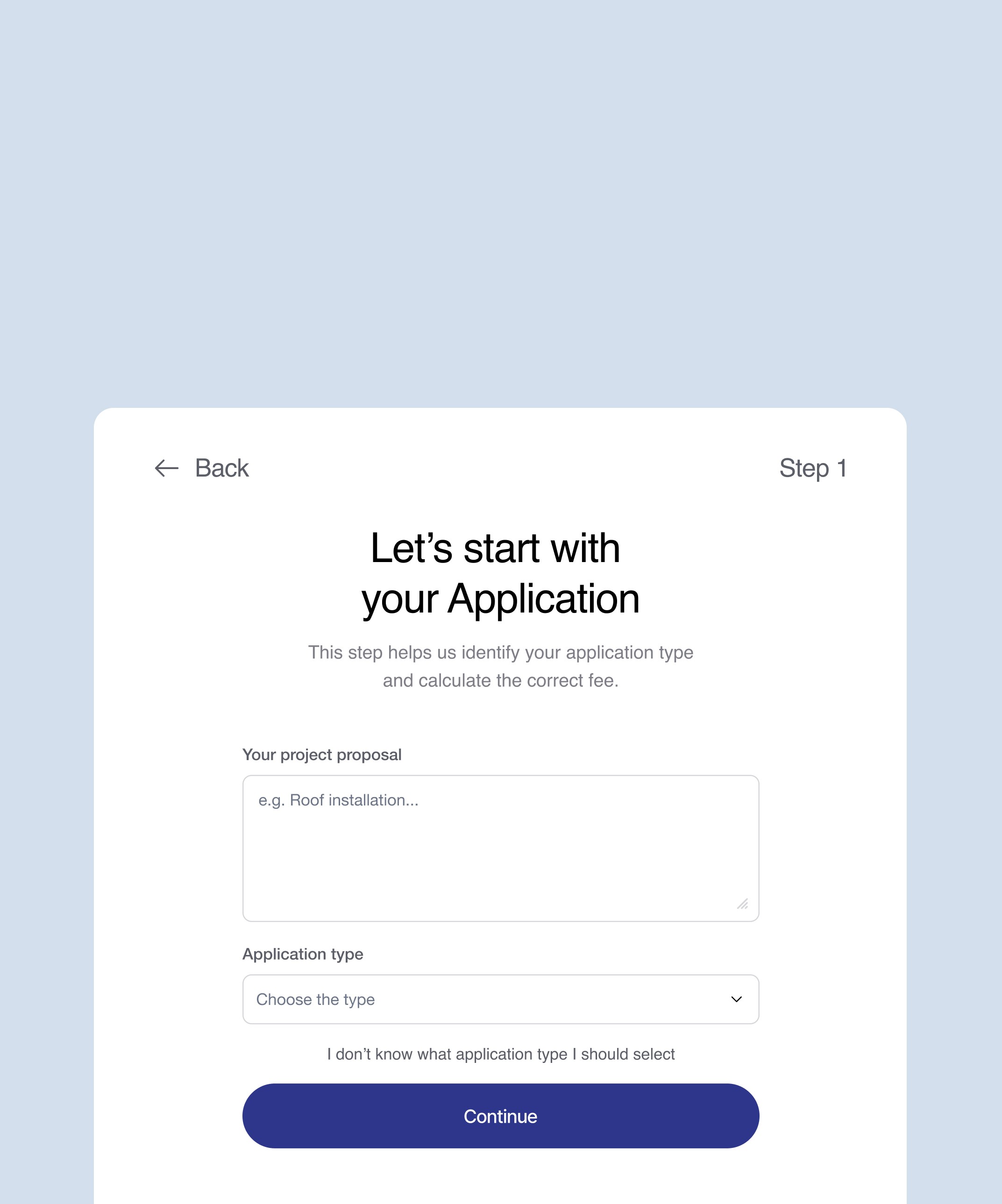
The image displays a user interface for submitting a project proposal, featuring a text box for entering project details like "Roof installation," a dropdown menu labeled "Application type," and a prominent "Continue" button at the bottom.

How to submit your planning application

A straightforward process with pre-validation to help you submit right the first time.

Most planning questions fall into one of these categories. Select yours to see specific requirements:

Step 01

Set up your project

Create your account, name your application, and enter the site address.

Step 02

Fill out information

Upload your location plan, drawings, and supporting documents.

Step 03

AI pre-validation check

We'll flag any issues and provide clear guidance on how to resolve them.

Step 01

Review and decide

Review any flagged issues and decide what to address before submission.

Step 05

Pay and submit

Review the council fee, pay securely, and submit your application when you're ready.

Catch errors before councils do

Catch errors
before councils do

As you build your application, Planda Portal checks your documents and forms in real-time, flagging issues before you submit.
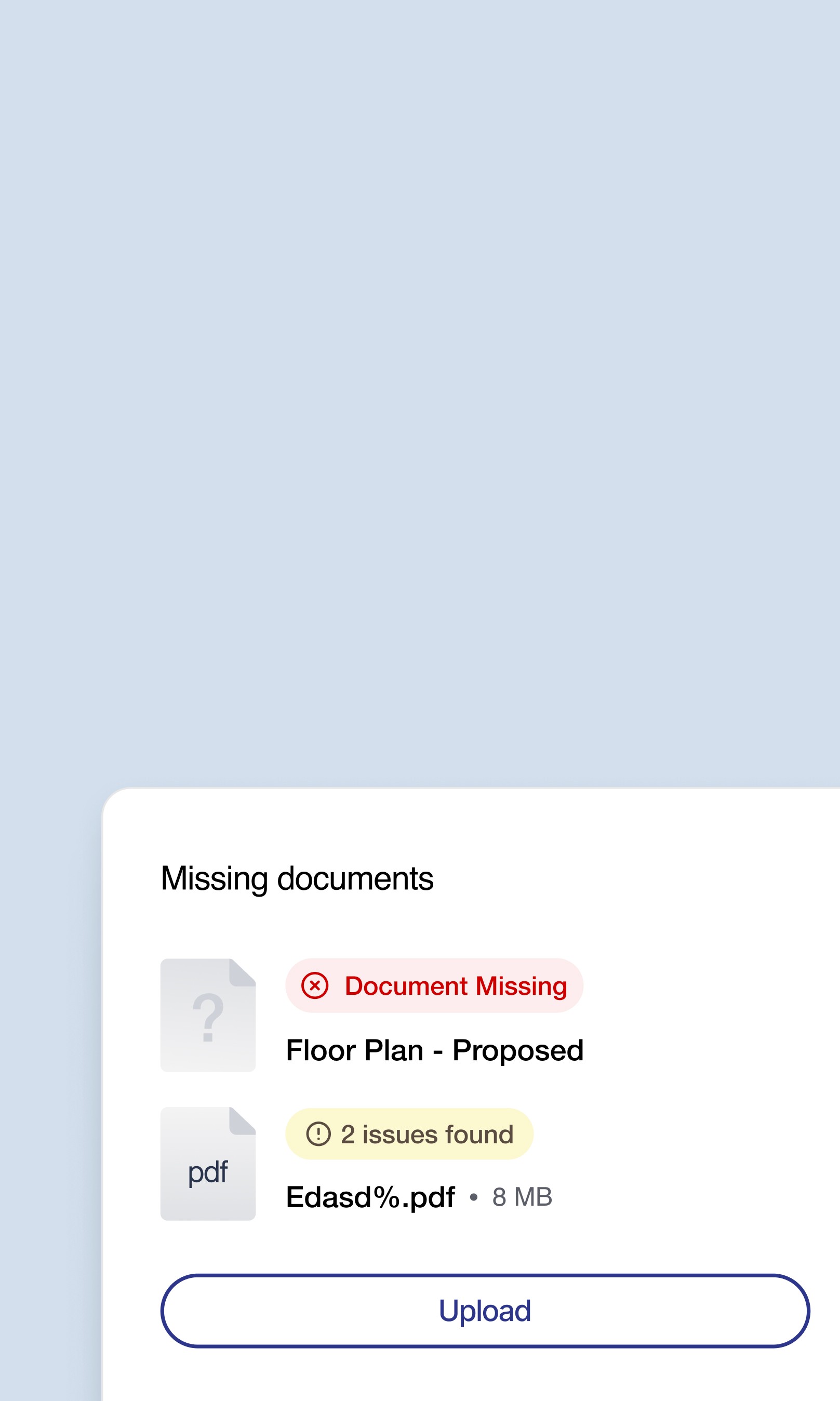
The image shows an interface with a "Missing documents" notification, listing a "Floor Plan - Proposed" file labeled with a red alert and two issues found, and an "Edasd%.pdf" file sized at 8 MB, alongside an "Upload" button.
Missing Documents

We'll tell you if required documents for your application type aren't uploaded yet.
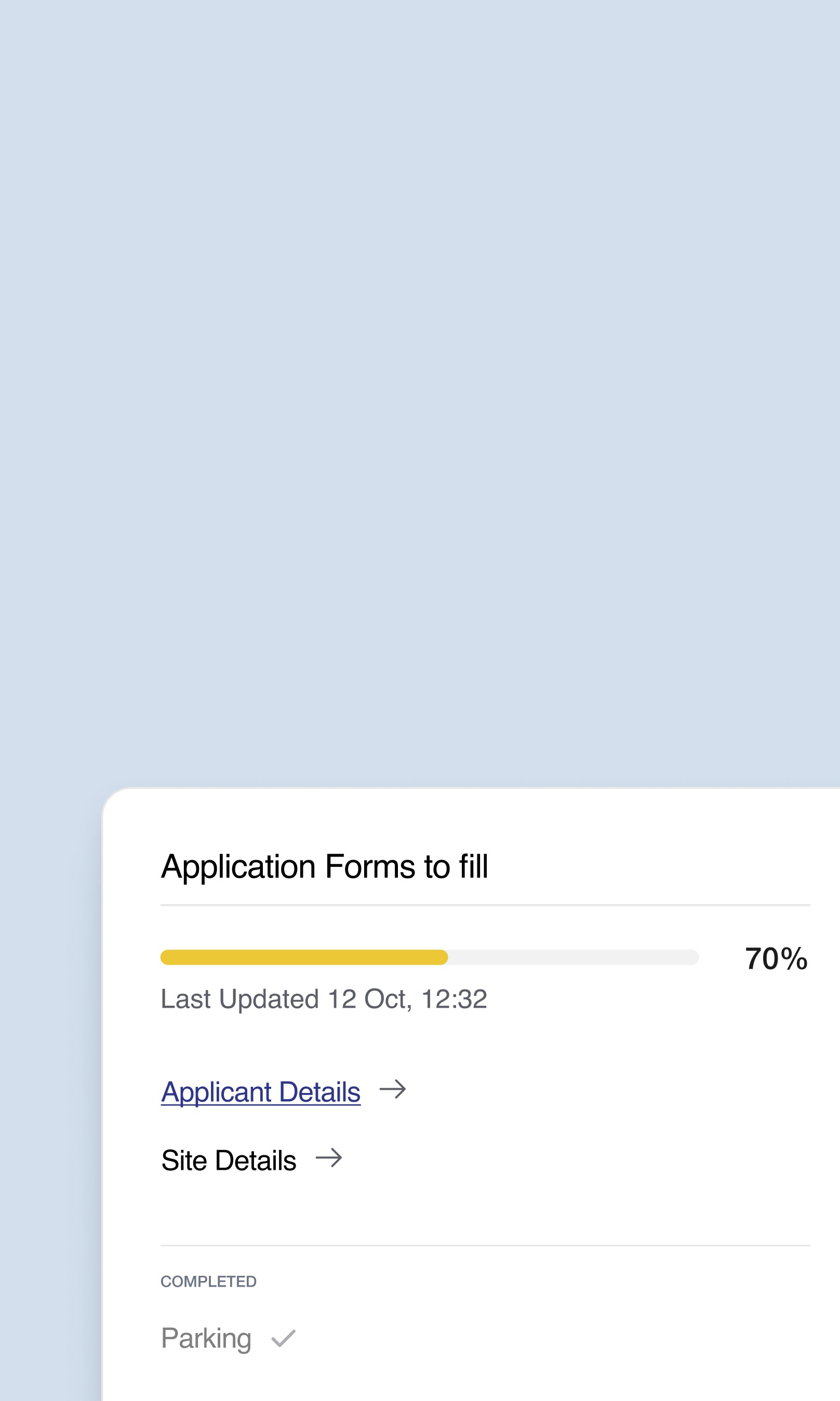
A partially filled digital application form interface displays a progress bar at 70% completion, with sections labeled as "Applicant Details" and "Site Details," on a minimalist light blue background.
Form completeness

Get notified about incomplete fields or answers that need clarification.
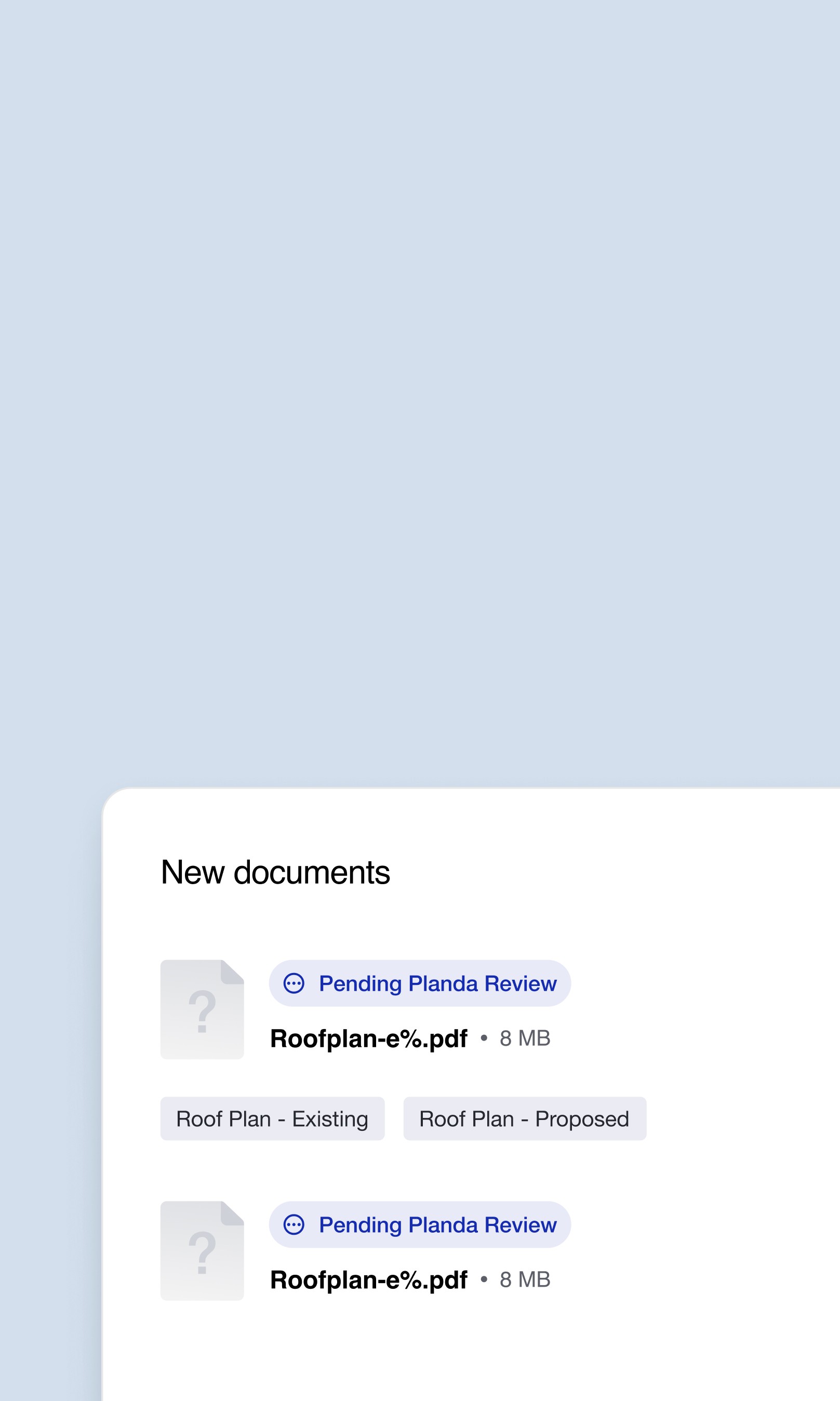
New documents displaying the pending review status for two roof plan PDFs, labeled "Roof Plan - Existing" and "Roof Plan - Proposed," with each file being 8 MB.
File formats

We'll catch incorrect formats or file sizes before they cause delays.

Track your application from submission to decision

Once submitted, monitor your application status in real-time and receive updates as your council reviews your project.

Get support
during your application

A smiling woman with long hair wearing a headset is working on a laptop in a bright office environment.
Contact us
dark arrow right

Speak to our team if you have questions about your application or the submission process.

Ready to start your planning application?

Join thousands of homeowners and developers who've simplified their planning journey

Ready to start your planning application?

Join thousands of homeowners and developers who've simplified their planning journey

Ready to start your planning application?

Join thousands of homeowners and developers who've simplified their planning journey

Advertisement
Advertisement